Boolean Logic for Data Analytics
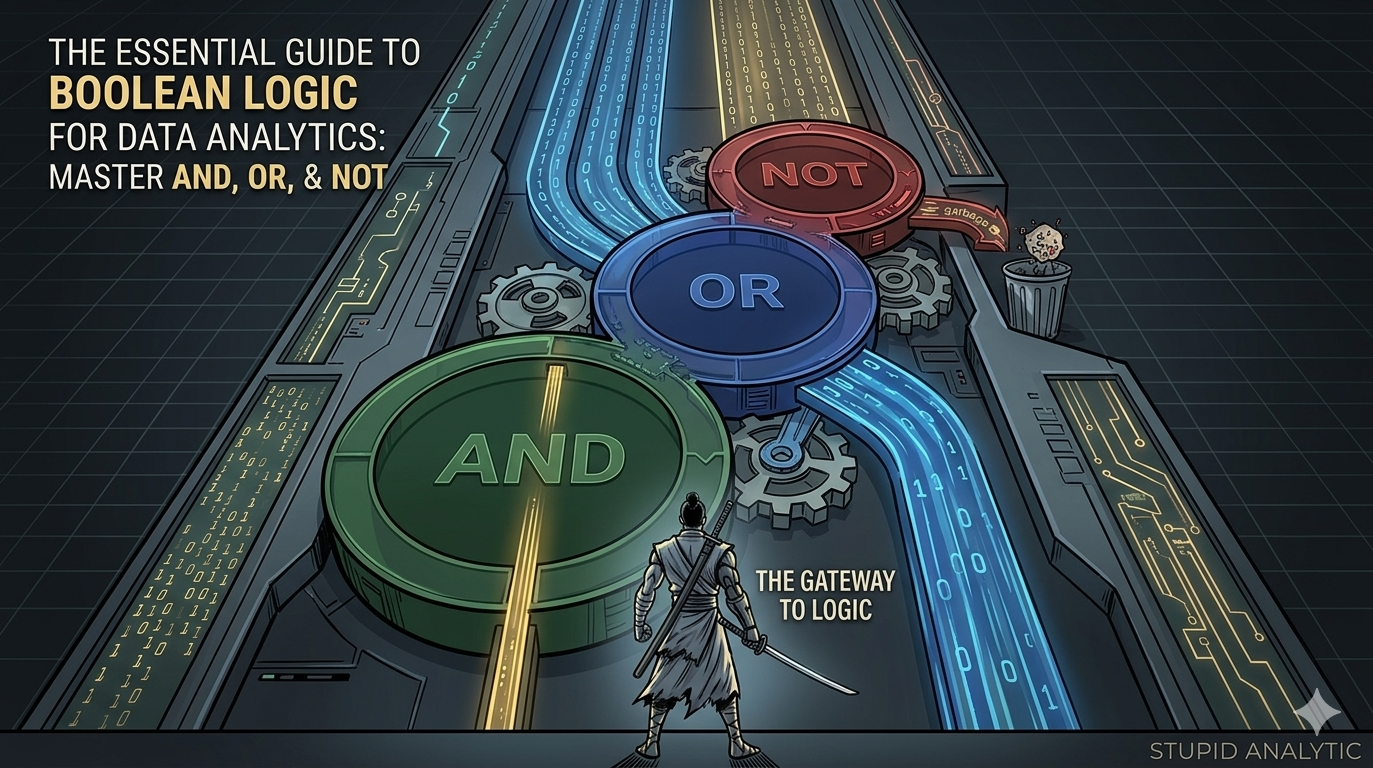
In the world of data analytics, the ability to communicate exactly what you need to a computer is a superpower. This communication is powered by Boolean Logic.
Understanding these operators is the first step toward mastering complex workflows. While the basics remain the same, the Role Of Boolean Logic In Modern Data Processing has evolved to power everything from cloud-scale ETL pipelines to real-time stream processing
At a Glance
In the world of data analytics, the ability to communicate exactly what you need to a computer is a superpower. This communication is powered by Boolean logic for data analytics
Whether you are writing SQL queries, building automation flows, or cleaning data in Excel, Boolean statements allow you to filter through noise and find precise answers. In this guide, we’ll break down the three primary operators—AND, OR, and NOT—using a simple real-world example: shopping for the perfect pair of shoes.
What is Boolean Logic for Data Analytics?
Boolean logic is a form of algebra where all values are reduced to either TRUE or FALSE.
In data analysis, we use Boolean Operators to create logical statements. Think of these as mathematical operators (like + or -), but instead of calculating a sum, they determine if a condition is met.
1. The AND Operator: The Strict Filter
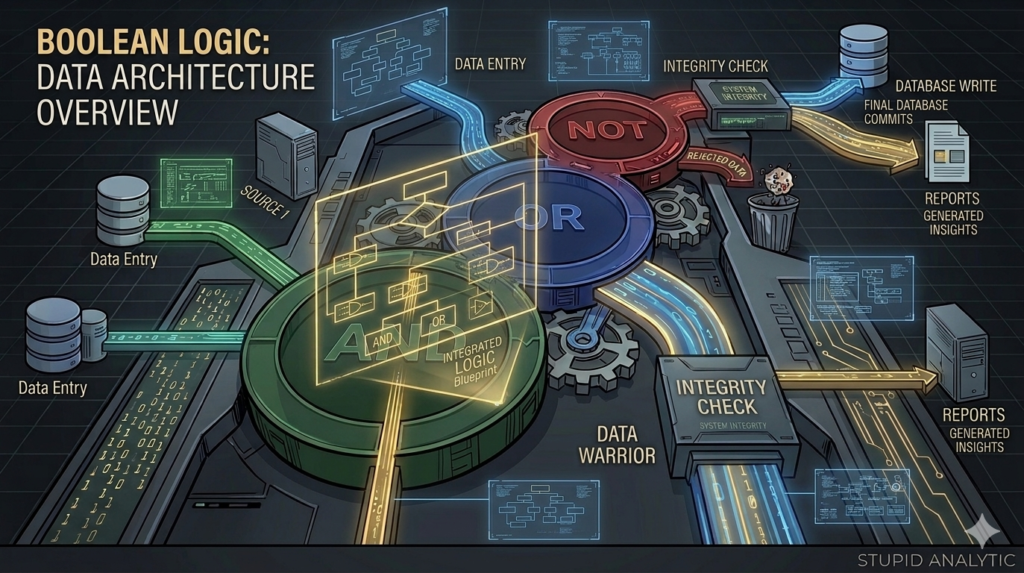
The AND operator is used when you want to meet all specified criteria. If even one condition is false, the whole statement is false.
- The Shoe Scenario: “I will buy the shoes only if they are both Grey AND Pink.”
- The Logic:
IF (Color="Grey") AND (Color="Pink") THEN "Buy"
The AND Truth Table
| Color is Grey | Color is Pink | Result (Buy?) | Boolean Logic |
| True | True | True | True AND True = True |
| True | False | False | True AND False = False |
| False | True | False | False AND True = False |
Key Takeaway: Use AND to narrow your results. It acts as a strict gatekeeper.
2. The OR Operator: The Broad Filter
The OR operator is more flexible. It returns “True” if at least one of the conditions is met. It only returns “False” if none of the conditions are true.
- The Shoe Scenario: “I will buy the shoes if they are Grey OR Pink.”
- The Logic:
IF (Color="Grey") OR (Color="Pink") THEN "Buy"
The OR Truth Table
| Color is Grey | Color is Pink | Result (Buy?) | Boolean Logic |
| True | False | True | True OR False = True |
| False | True | True | False OR True = True |
| True | True | True | True OR True = True |
| False | False | False | False OR False = False |
Key Takeaway: Use OR to expand your results. It is ideal for grouping similar categories together.
3. The NOT Operator: The Exclusion Filter
The NOT operator is used to exclude specific data. It flips the logic: what was true becomes false, and what was false becomes true.
- The Shoe Scenario: “I want Grey shoes, but NOT if they have any Pink.”
- The Logic:
IF (Color="Grey") AND (Color= NOT "Pink") THEN "Buy"
The NOT Truth Table
| Color is Grey | Color is Pink | NOT Pink Logic | Result (Buy?) |
| True | False | True | True |
| True | True | False | False |
Key Takeaway: Use NOT to clean your datasets by removing outliers or unwanted categories.
Advanced Logic: Combining Multiple Conditions
The real power of Boolean logic is revealed when you stack conditions. Just like in math, we use parentheses to tell the computer which part of the logic to process first.
Imagine you want shoes that are either Grey or Pink, but they must also be waterproof:
IF ((Color = “Grey”) OR (Color = “Pink”)) AND (Waterproof = “True”)
By grouping the colors in parentheses, you ensure the “Waterproof” requirement applies to both color options.
Why This Matters for Data Analysts
Mastering these basics is the first step toward professional data proficiency. You will use these concepts in:
- SQL: Filtering datasets with
WHEREclauses. - Python/Programming: Controlling the flow of your code with
ifstatements. - Spreadsheets: Creating complex
IFandIFSformulas in Excel or Google Sheets.
Ultimately, becoming proficient in Boolean logic for data analytics is what separates a beginner from a technical expert who can handle complex data structures with ease.
Key Takeaways
- Operators are the symbols (AND, OR, NOT) that perform logical calculations.
- AND requires everything to be true.
- OR requires at least one thing to be true.
- NOT excludes specific values.
- Parentheses are essential for organizing complex logic.
Want to dive deeper into data? Check out our other guides in the Data Basics section.
Follow us for more: www.youtube.com/@stupidanalytic485
Also read: